

The First Step to Becoming an 'AI Native' Company
Transform AI into real productivity gains with programs tailored to your team's needs.
Most employees still use AI just for Q&A. According to McKinsey research, 92% of companies plan to increase AI investment, but only 1% have actually integrated AI into their daily workflows. What makes the difference isn't the tool — it's knowing how to use it right.
A transformation journey that reaches every level
Starting from the ground up, we guide your organization's AI native journey with programs tailored to every profile within your team.
Programs progressing from basics to advanced, tailored to different profiles within your organization.

AI Literacy
Understand the Fundamentals
How does AI think, where does it fail, and how do you use it safely? This program brings your entire team to the same knowledge level.
Scope:
- How LLMs work — what they can and can't do
- Effective usage with good and bad prompt examples
- File reading, deep research, and analysis
- Causes and prevention of hallucinations
- Safe usage and data sharing boundaries
- Strengths and weaknesses of different models
- Scenario-specific expert usage tips
Who it's for:
All white-collar employees who want to integrate AI into their daily work
Outcome:
Your team understands AI, uses it confidently, and speaks a common AI language.
Without this: Your team tries to learn AI through trial and error, security risks increase, and inefficient habits become permanent.
 Registration Open
AI Productivity
Delegate Office Work to Claude
Learn to use AI not for asking questions, but for producing real work output with Claude's latest features.
Scope:
- Defining profession-specific rules with Skills
- Gmail, Drive, Slack, Outlook, Teams, SharePoint integration with MCP
- File production automation with Cowork
- Producing Word, PPTX, PDF at professional quality
- Using Claude Chrome and Excel extensions
- Email analysis, meeting summaries, and document access with Microsoft 365 integration
- Tips for creating your own Skills
Who it's for:
Professionals losing time on daily office tasks who want real output from AI
Outcome:
Repetitive office tasks become automated — every employee gets their own AI assistant.
Without this: Your employees keep using AI just for asking questions and can't tap into even 10% of the real automation potential.

AI Builder
From Zero Code to Product
The complete roadmap to turning your dream product into a working application with Claude Code — even without prior coding knowledge.
Scope:
- Software fundamentals: front-end, back-end, hosting
- HTML, CSS, JavaScript 101
- Software architecture and programming language choices
- Version control and publishing with Git and GitHub
- Modern web interfaces with React, Next.js, and Tailwind CSS
- Deploying and connecting domains with Vercel
- Backend, API, and database layers
- User authentication and session management
- 10x development practice with Claude Code
Who it's for:
Professionals and teams who want to build internal tools, MVPs, or their own digital products
Outcome:
Build a working software product with Claude Code — no programming knowledge required.
Without this: Your team stays dependent on the dev team for every internal tool need — even simple solutions wait for weeks.

Claude Onboarding
The Right Start with Claude
An intensive 2-hour workshop. Learn everything from Claude Pro setup to your first productive use in a single session.
Scope:
- Claude Pro account setup and interface guide
- Differences between Chat, Cowork, and Code — and the right use cases
- Context management with Projects
- Differences between models and choosing the right one
- Connectors and extensions: setup guide for ideal usage
- Habit guide for those transitioning from ChatGPT
- Starter settings for productive use from day one
Who it's for:
Team members using Claude for the first time or transitioning from ChatGPT
Outcome:
Correct setup and right habits from day one.
Without this: Your team starts using Claude like ChatGPT, can't discover its powerful features, and returns to old habits saying "there's no difference."
Why Claude?
Claude leads the AI industry in safety, accuracy, and enterprise integration. Native integration with Microsoft 365, customization with Skills, and automation with Cowork — no competitor offers this depth.
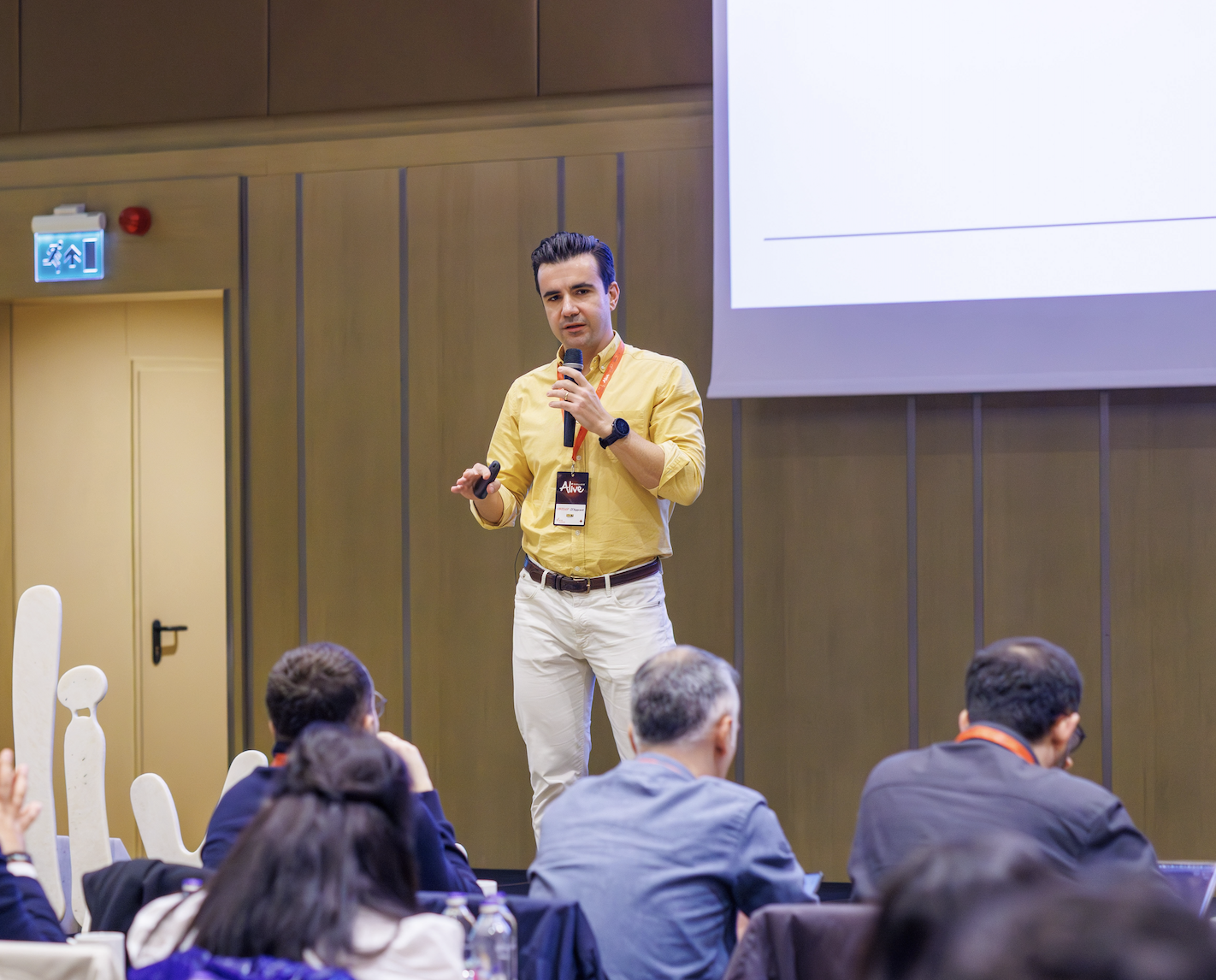
Onat Vural
Claude Ambassador, Beta Space Studio Co-founder
Has been delivering corporate transformation projects and training for over 10 years. Worked with hundreds of professionals in intrapreneurship, human-centered design, and lean startup. Now applying the same methodology to AI transformation.
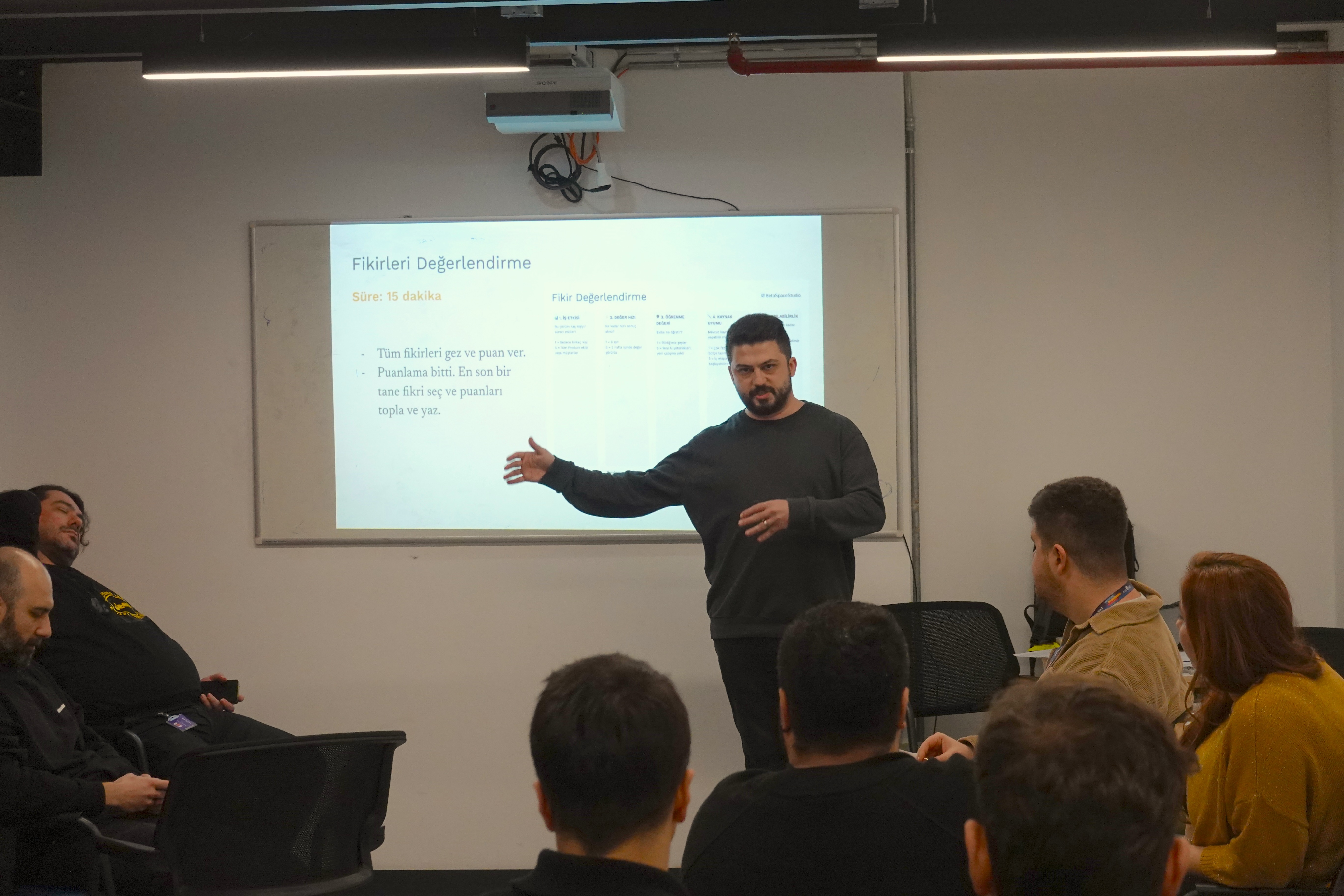
Said Sürücü
Claude Ambassador, Beta Space Studio Co-founder
A developer since childhood, Said has always brought a technology layer into every sector he worked in. One of the first to popularize the MCP concept in Turkey. Known among both legal professionals and developers for his YargıMCP and YargıGPT projects. Has been delivering AI training for over 2 years, training a total of 1,500 people in 2025.
Beta Space Studio is organizations' human-first AI partner. We actively use Claude Desktop, Cowork, and Claude Code every day. We teach today's practice, not yesterday's knowledge.
Let's determine the best program for your team together.
We'll create a customized training plan based on your needs.
info@betaspacestudio.com